
Know what's on
See the current program and what comes next before you commit.
 Awesome IPTV
Bring your own TV
Your channels.
Finally behaving.
Turn the M3U or Xtream service you already use into a library that feels at home on iPhone, iPad, Apple TV, and Mac.
Product preview
Bring the playlist. Awesome IPTV turns the sprawl into live channels, movies, series, and a guide that feels right on iPhone, iPad, Apple TV, and Mac.
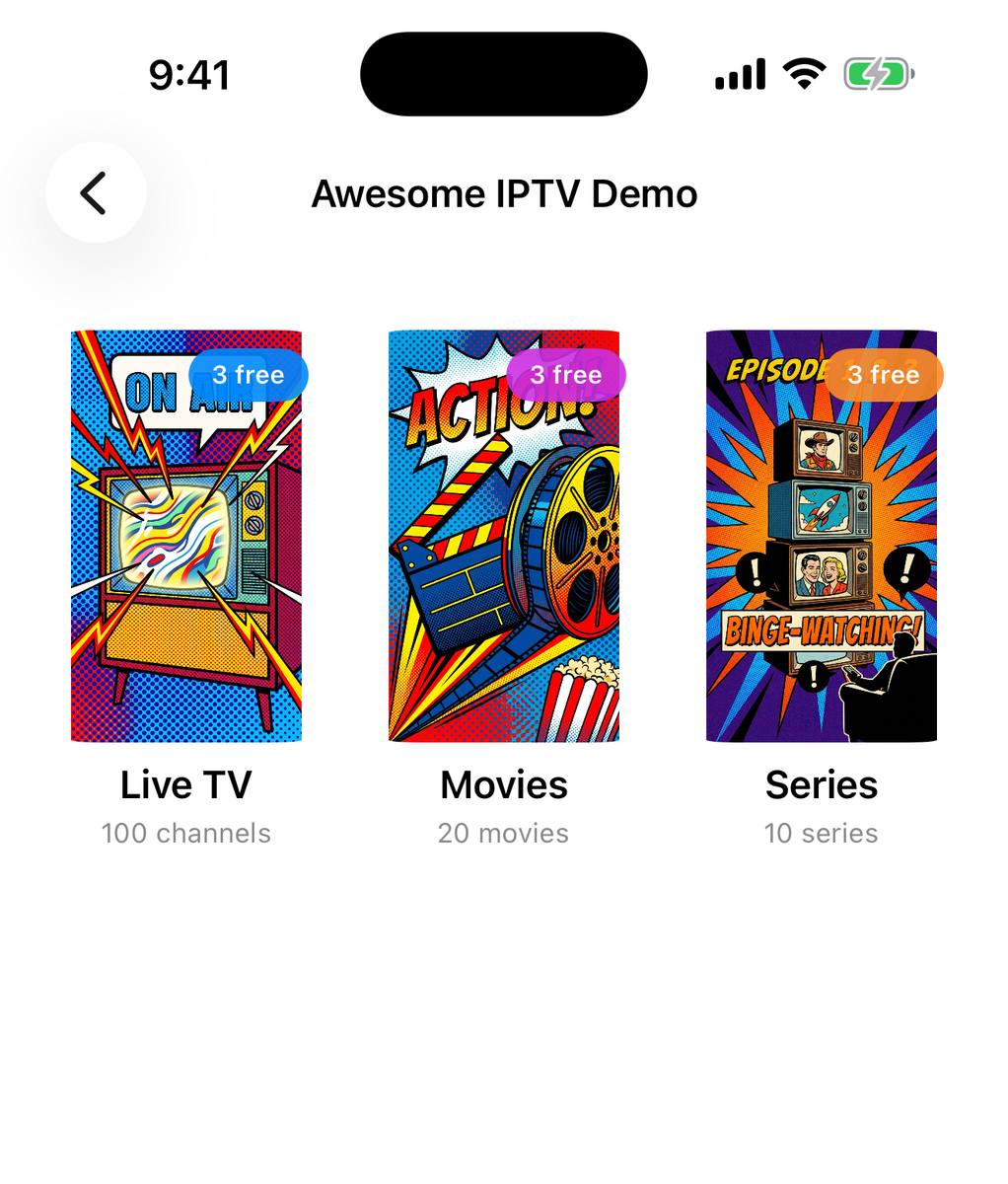
From endless list to easy night
Your provider can stay complicated behind the scenes. Watching it should feel effortless.
See the current program and what comes next before you commit.
Search the whole library, then keep favorites and recent viewing close.
Touch-first on iPhone and iPad. Remote-ready on Apple TV. At home with a pointer and keyboard on Mac.
When the dialogue matters
If a stream already carries the words you need, Awesome IPTV uses them. If not, the app moves to the next sensible option without asking you to understand the machinery.
Built-in subtitles are the fastest route and never use AI Hours.
When Apple supports the language pair, subtitle translation can stay on your device.
When a stream has no useful subtitles, Meridian can create captions from its audio.
Available in current Awesome IPTV releases: stream subtitles plus optional generated captions and translation for eligible live streams. Generated captions are supported on eligible iPhone, iPad, and Apple TV versions; Mac currently focuses on subtitles supplied by the stream. Availability depends on the device, language, and stream.
Built for Apple's current OS 27 releases: compatible HLS streams can use the expanded live-caption path on supported devices. This does not mean that every stream or language will work. See current caption limitations.
Your source
stays yours.
By design.
The serious part
Playlist credentials stay in Apple Keychain and are never sent to Meridian. Optional cloud features receive only the audio or subtitle text needed for the feature you choose.
Status and support
See whether Meridian is reachable or talk to a person. We will help you tell a bad stream, a service interruption, and an app problem apart, without turning you into the technician.
Your next watch starts here
Bring the M3U or Xtream service you already use. Awesome IPTV makes it feel built for you.
Get Awesome IPTV